Dating apps rely heavily on your physical device coordinates to populate your match feed. If you plan to relocate to a new city or simply want to expand your dating pool beyond your immediate neighborhood your default Lovoo settings will restrict you.
You need a reliable method to manipulate your device GPS safely. We will show you exactly how to change your Lovoo location on both iOS and Android devices to secure international matches and arrange dates before you travel.

Modifying your geographical footprint on Lovoo provides a massive strategic advantage for online dating. It allows you to bypass local algorithms and present your profile to a completely new audience. Here are the most practical reasons to manipulate your device coordinates.
If you have upcoming travel plans spoofing your GPS helps you establish connections weeks in advance. You can secure local recommendations arrange dates and build a social network before you even step off the plane.
When your local dating scene feels stagnant shifting your coordinates opens up entirely new possibilities. You can change your location to anywhere in the world to meet new people and refresh your daily match limits instantly.
If you connect with someone outside your physical radius adjusting your location temporarily helps you maintain proximity on the platform keeping your profile visible in their local swipe deck.
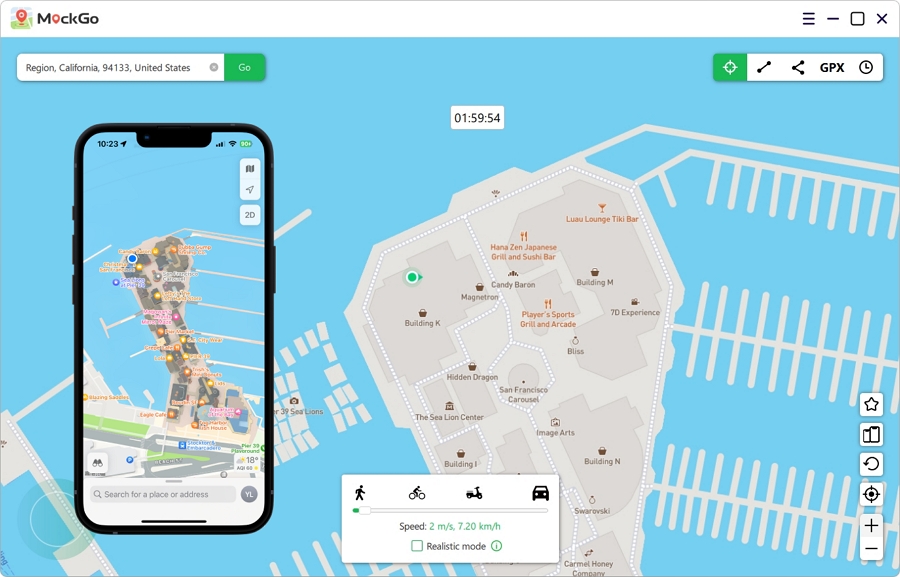
Apple enforces strict security protocols that make native GPS spoofing impossible on an iPhone. For iOS users MockGo provides the absolute safest desktop solution to bypass these limits without jailbreaking your device. It is a highly acclaimed location manipulation tool designed specifically for location based social applications.
MockGo offers a massive advantage for dating app users:
Follow these exact steps to teleport your Lovoo profile using MockGo
Step 1. Download and install the MockGo desktop application on your Mac or Windows computer. Launch the program immediately after installation completes.
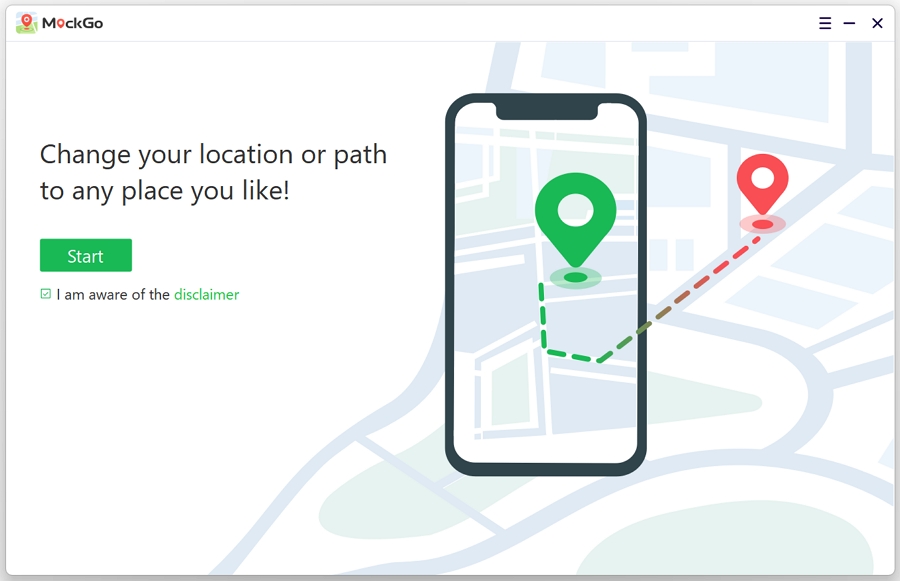
Step 2. Click the Start button on the main software interface to begin the connection process.
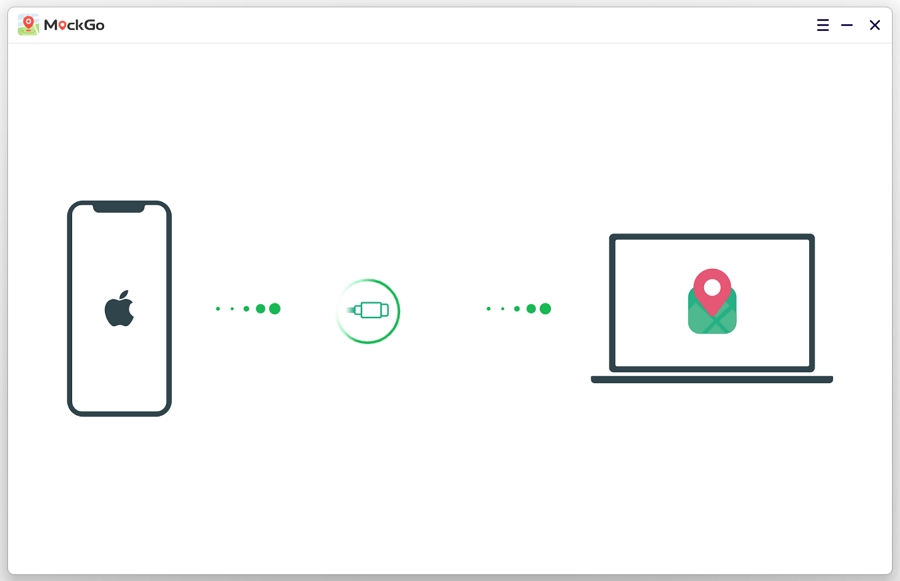
Step 3. Connect your iPhone to your computer using a secure USB cable or a stable WiFi connection. Select your specific mobile device from the recognized hardware list.
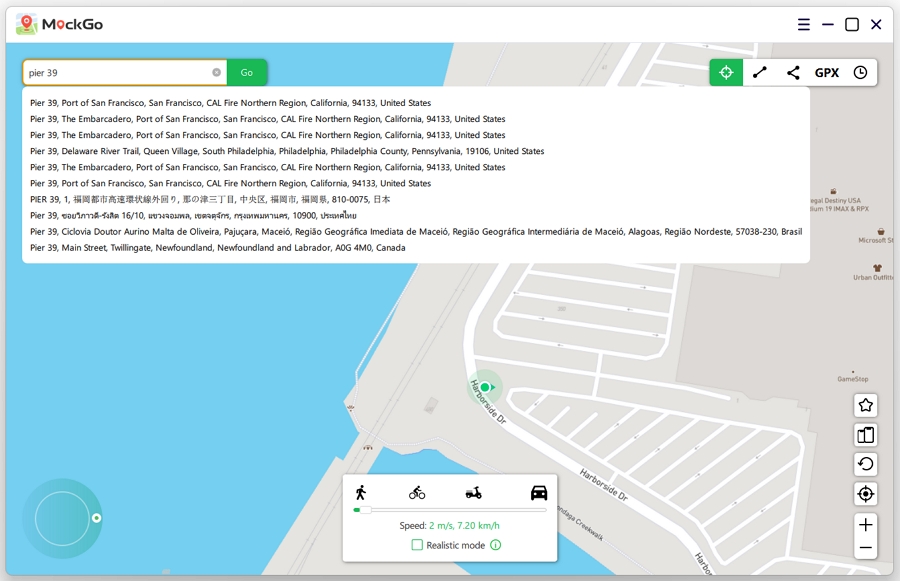
Step 4. Click the Teleport Mode icon in the upper right corner to activate global spoofing. Use the search bar to find your desired city.
Step 5. Click the Move Here button. Your iPhone hardware GPS will instantly update to reflect your newly chosen destination.
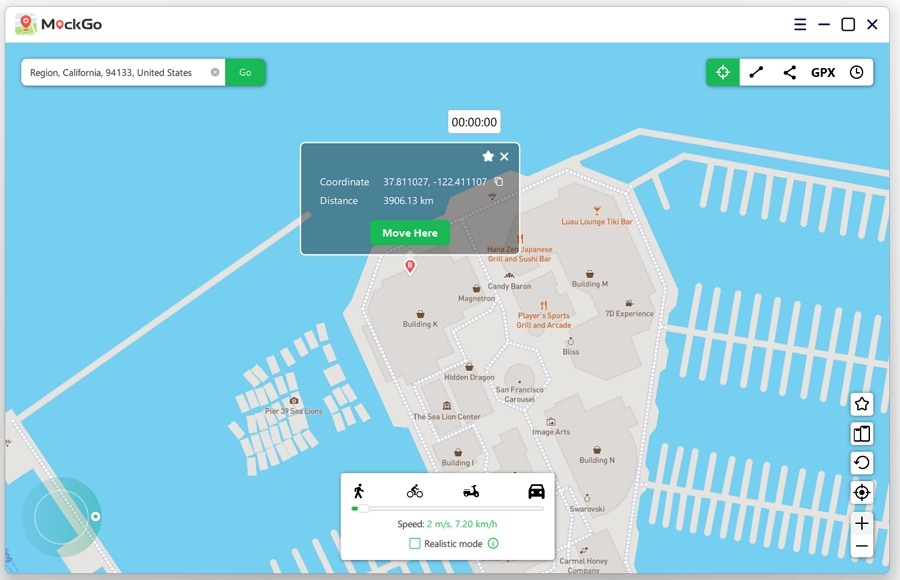
MockGo also includes a dedicated joystick feature allowing you to simulate natural walking movements around your new city map keeping your account safe from algorithmic detection.
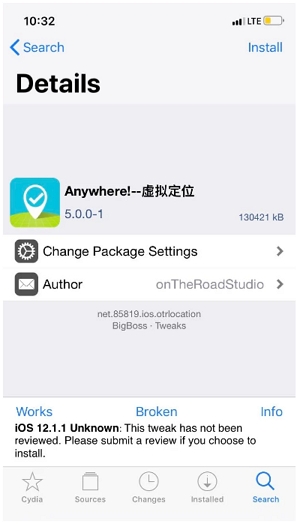
Historically some users modified their Lovoo location by jailbreaking their iPhone and installing tweak applications like The Anywhere. We strongly advise against this outdated method.
Jailbreaking compromises your device security fundamentally. It exposes your iPhone to malicious software and immediately voids your official Apple hardware warranty. Furthermore these specific location tweaks are obsolete.
They only remain compatible with operating systems below iOS 15 and developers abandoned their software updates years ago. Using a modern desktop solution like MockGo completely eliminates these massive security risks.
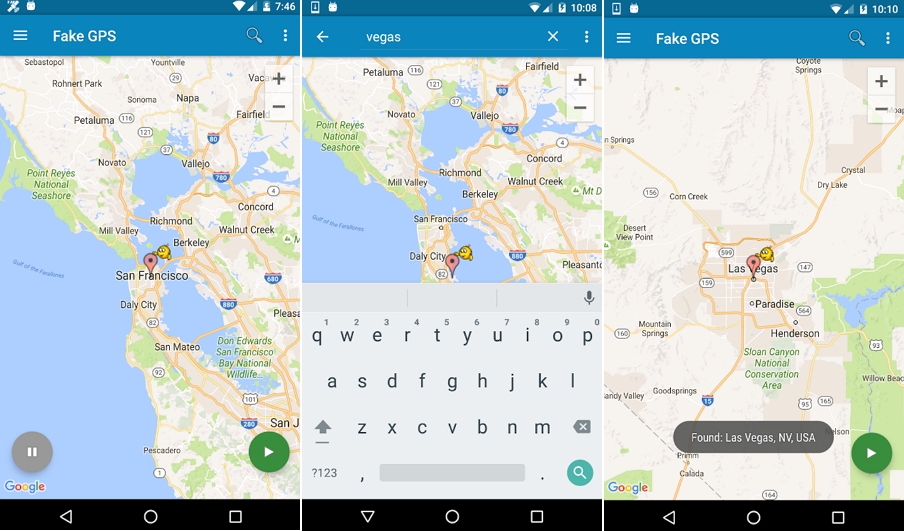
Android devices feature an open operating system that makes location spoofing much easier. Using a dedicated mobile application like Fake GPS location by Lexa is your best option.
This specific app holds a brilliant rating based on thousands of reviews and boasts over 50 million downloads globally making it highly trustworthy.
Here is exactly how to configure this application for Lovoo:
Step 1. Open the Google Play Store to download and install the Fake GPS location app.
Step 2. Launch the application and grant all requested permissions to allow the software to override your native hardware coordinates.
Step 3. Open your Android Settings scroll down and tap About Phone. Locate your Build Number and tap it exactly seven times to unlock Developer Options.
Step 4. Navigate back to your new Developer Settings menu and select Fake GPS location as your designated mock location application.
Step 5. Reopen the spoofing app use the search function to find your target city and drop the pin directly on your desired neighborhood.
Step 6. Tap the green play button to finalize the location change. Open Lovoo to verify your new match feed.
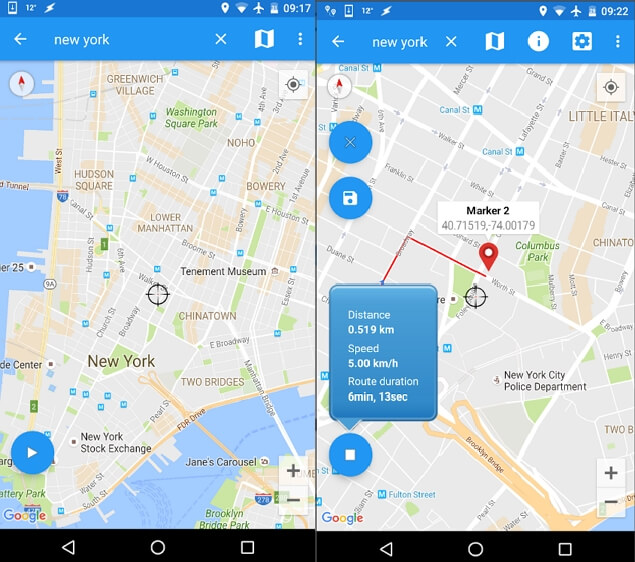
If you want a secondary option we highly recommend the Fake GPS Location Spoofer application. It provides both free and premium tiers. The free version successfully teleports your GPS coordinates anywhere globally. The paid upgrade unlocks advanced tools including joystick navigation and GPX route importing for more sophisticated spoofing.
The setup process mirrors the Lexa application perfectly. You must enable developer mode and select this program as your mock location app before launching the map interface to change your Lovoo coordinates.
Controlling your digital footprint completely transforms your online dating experience. While Android users can rely on native Play Store applications iPhone users face stricter hardware barriers.
We highly encourage all iOS users to leverage the MockGo location changer to bypass these restrictions securely. Download the software today to unlock global Lovoo matches and start arranging dates anywhere in the world.


Mako is a technical writer with a passion for all things tech. Whether you're wondering about how to fix your iPhone or Android device or trying to get something to work in your settings, Mako is your go-to for professional help. He loves writing, testing solutions, and most of all, making sure his research is factually accurate.



 MockGo - iPhone GPS Changer
 Unlockit iPhone - Screen Unlocker
 Unlockit iCloud - Activation Lock Remover
 Unlockit Android - Screen Unlocker
 TinyFix - iOS System Repair